
One payment.
Many creations.
A monthly AI subscription is a real expense. The cost of a particular song or video is an estimate until you know how much of that subscription it used.
This example starts with an anonymized Suno Pro payment: USD 10 charged on September 7, 2026, and CNY 67.11 on the card. The payment is verified. Historical credits spent on any individual private song are not verified, so no actual song cost is claimed.
1. Record the cash expense once
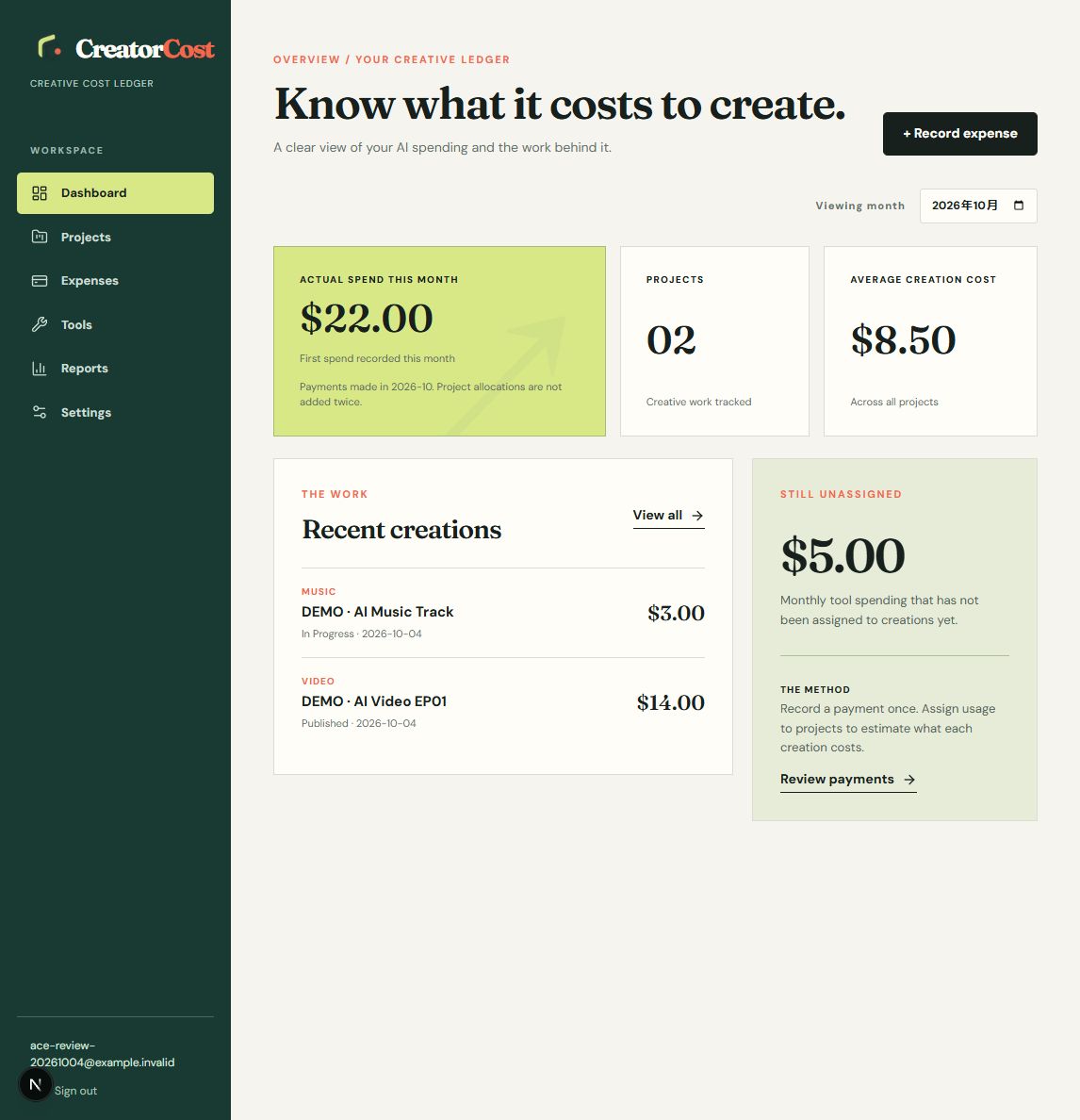
In Expenses, choose Monthly subscription, select the tool, enter the amount you actually paid, the payment date and billing month. If your bank charged CNY 67.11, use that amount in a CNY ledger rather than a later exchange-rate guess. The dashboard counts it as actual spend on the payment date.
2. Choose an allocation unit
For a subscription, choose Uses / generations when you know the total uses in that billing cycle, or Credits when the service meters usage by credits. Enter the paid credits included in that period as the denominator. For the Suno Pro example, that basis is 2,500 paid credits. If the total is unknown, leave it blank and add it later.
3. Assign only known project usage
Create a project, open it, choose the monthly payment under Assign tool usage, and enter the project's verified uses or credits. This creates an estimated allocation, not another payment. If you cannot confirm old usage, leave the project share unassigned. A song count is not a substitute for credits, especially when a higher-cost mode such as Max Mode was used.
4. Read the two totals correctly
Actual spend is the money you paid. Project cost combines directly assigned purchases with estimated subscription shares. Assigning usage does not make the cash expense happen twice. Unassigned subscription spending remains visible until you can support an allocation.
For the real Suno payment, the verified result is still CNY 67.11 of spending and no verified per-song allocation. That is more useful than a precise-looking but invented song cost.
Start with a payment you know
Add usage only when you have a reasonable source for the number.
Start tracking free